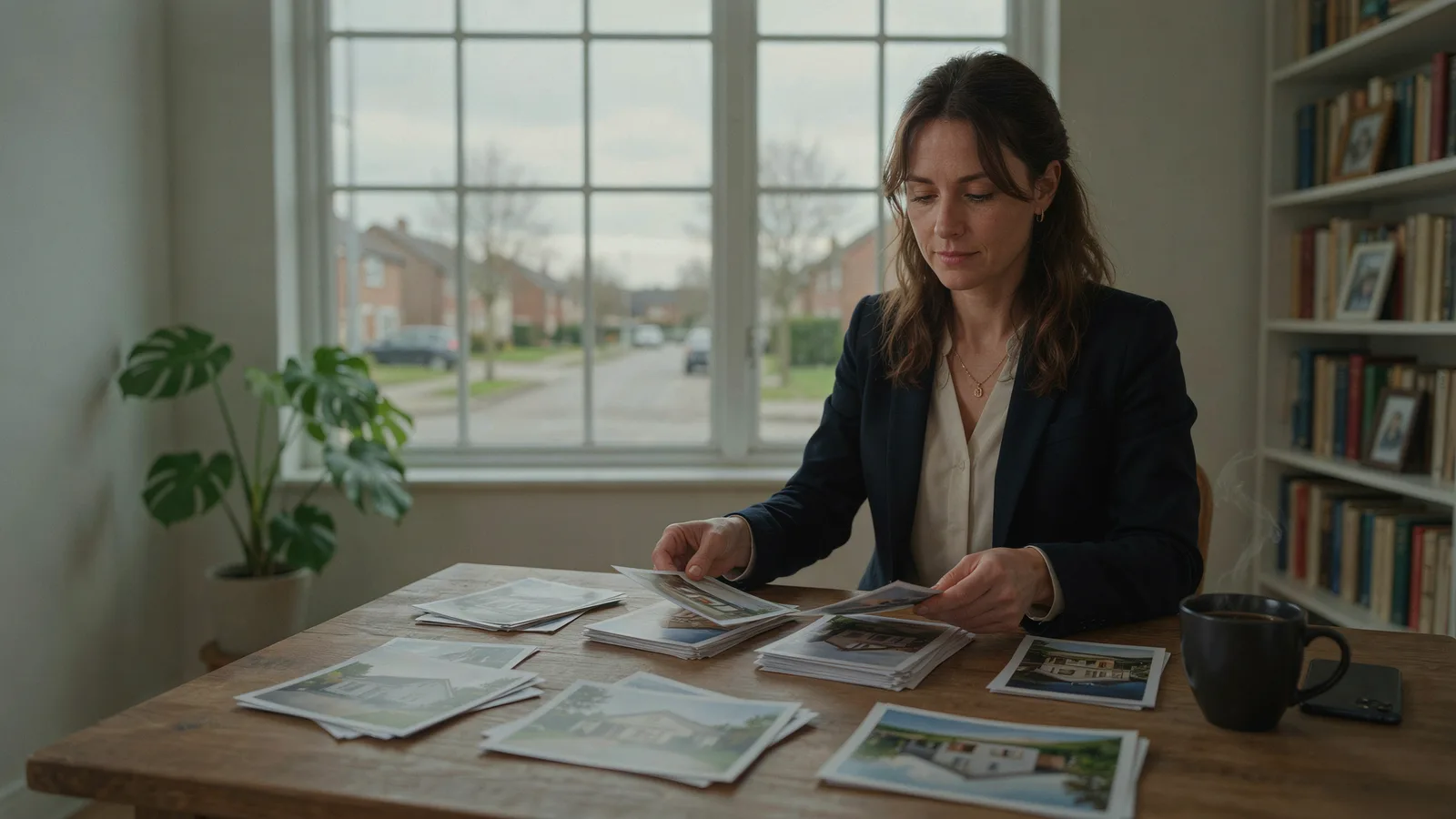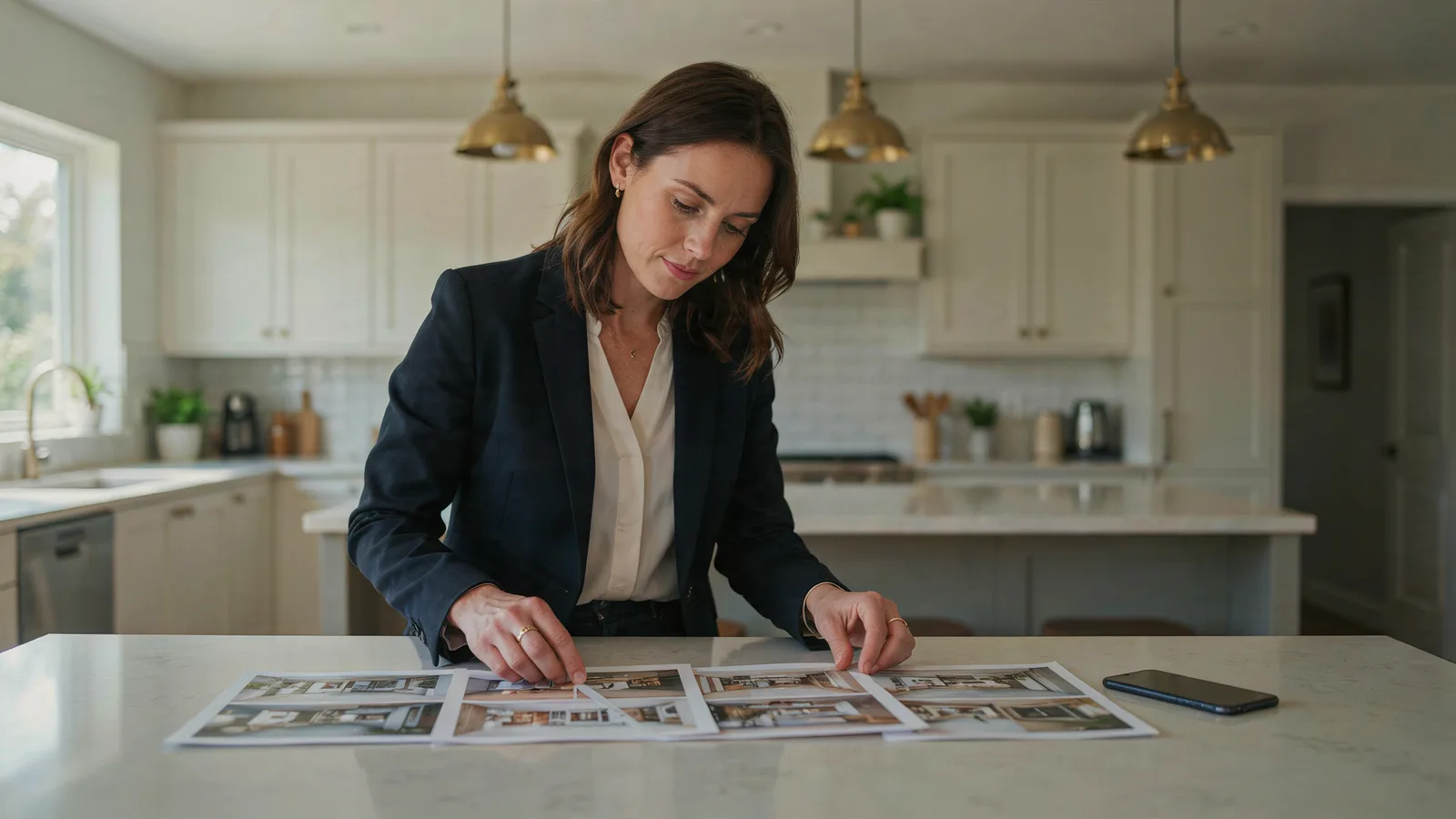
To make a real estate video from photos, pick 8 to 15 of your best listing photos, put them in the order a buyer would walk through the home, give each one about 3 seconds of slow camera motion, then add a title card with the address and price, a closing card with your contact details, and music. Export it vertical (9:16) for Reels, TikTok and Shorts, and wide (16:9) for YouTube and the listing page. A listing video tool does this in a few minutes; a free editor such as iMovie or CapCut takes longer but costs nothing.
VidListings makes a listing video tool, mentioned below. We've tried to keep this guide useful whether or not you use it.
Can you really make a listing video without filming?
Yes. Most short listing videos on social media are made from the listing photos, not from footage. The photographer already captured the best angle and light in every room, so the photos are often the strongest material you have.
What you give up is real movement through the house. A photo can't show what is behind the camera or around a corner. For an everyday listing that's fine. For a luxury home, unusual architecture or a video where you're on camera, a videographer is still worth it. Our guide to real estate videography covers when to hire one.
Which photos should go in the video?
Pick the photos that answer "would I want to live here?" fastest. Leave out the rest.
Keep:
- The front exterior in the best light. It is your hook.
- The main living space, the kitchen and the primary bedroom.
- One bathroom with good finishes.
- The best outdoor photo: backyard, patio, pool or view.
- Anything that sells this home in particular, such as a home office, a mudroom or a big garage.
Leave out:
- Near-duplicates of the same room from a slightly different angle.
- Close-ups of fixtures, door handles or appliances.
- Floor plans, maps and photos with text on them.
- Dark, tilted or blurry photos. Motion makes flaws more obvious, not less.
- Small rooms that look the same in every house, such as a hall bath or a laundry closet, unless they are a selling point.
If the listing has 40 photos, you will usually end up with 10 to 15.
What order should the photos go in?
Lead with the photo that stops the scroll, then walk through the home the way a buyer would on a showing. Viewers follow a walk-through without thinking about it. A random order makes the house hard to picture.
| Order | Photo | Why it goes here |
|---|---|---|
| 1 | Front exterior | The hook, under the title card |
| 2 | Entry or living room | The first "could I live here" room |
| 3 to 4 | Kitchen | Often the main selling point |
| 5 | Dining or family room | Shows how the rooms connect |
| 6 | Primary bedroom | Size and light |
| 7 | Primary bath | Finishes |
| 8 | Other bedrooms or office | Only the best one or two |
| 9 | Backyard, patio, pool or view | A strong closer |
| 10 | Exterior again, or a twilight shot | Sits under your contact card |
For a condo, swap the backyard for the balcony, the view or the building's shared spaces.
How long should the video be, and how long per photo?
Give each photo about 3 seconds. That is enough to take in a room and short enough that the video keeps moving on a phone. At 3 seconds a photo:
| Photos | Length | Good for |
|---|---|---|
| 5 | 15 seconds | Teaser, Coming Soon, Open House reminder |
| 8 to 10 | 24 to 30 seconds | Reels, TikTok, Shorts |
| 12 to 15 | 36 to 45 seconds | Just Listed video, listing page |
| 20 to 25 | 60 to 75 seconds | YouTube, a walk-through for the listing page |
For social media, 30 to 45 seconds is a good target. Platforms allow much longer videos: Instagram accepts Reels up to 20 minutes but says Reels over 3 minutes aren't recommended to new audiences (Instagram Help), and YouTube counts square or vertical videos up to 3 minutes as Shorts (YouTube Help). Most listings don't need that long.
What kind of motion should each photo get?
There are three ways to make a still photo move. They look very different.
| Method | How it looks | Can it change the room? |
|---|---|---|
| Pan and zoom (the Ken Burns effect) | The frame slides across a flat photo. Reads as a slideshow. | No |
| Depth parallax | Near things slide past faster than far things, like a camera moving. Edges such as railings can smear. | No new objects, but edges can warp |
| AI camera motion | A short generated clip that starts on your photo and moves like real footage | It can, so check every clip |
Pan and zoom is what free editors do. Apple's iMovie guide describes the Ken Burns effect as making the camera appear to sweep across the photo and zoom in and out. It is safe and free, and it looks like a slideshow.
AI camera motion looks the most like video. The risk is that a model can invent things, such as an extra chair or a different window. Short, slow moves keep that risk low. Our guide to AI real estate videos explains the methods in more detail and has a checklist for reviewing clips.
Whatever you use, keep the moves slow and simple: a push in, a slide to the side, a gentle rise. Fast spins and whip pans look cheap and make people dizzy.
What text should go on screen?
Keep the text to what a viewer can read in 3 seconds.
- Opening card: a headline (Just Listed, Open House, Price Improved, Coming Soon), the address, the price, and beds and baths.
- Closing card: your name, brokerage, phone, email and logo. Add a short call to action, such as "Book a showing".
- Everything else goes in the post caption: school district, lot size, upgrades, open house details.
Keep text away from the bottom and right edges of a vertical video. That is where Instagram and TikTok put their buttons and your caption. For caption ideas and other versions of the same video, see our guide to Just Listed and Open House videos.
What about music?
Music makes a photo video feel like a video. Pick something calm with a steady beat and no lyrics, so it doesn't fight the visuals.
Use music you have the rights to. Instagram and TikTok can mute videos with copyrighted songs. Safe choices are the music library inside your video tool, a royalty-free library you pay for, or the platform's own commercial music library when you post. Our video marketing playbook covers what business accounts can use.
How do I make it, step by step?
These steps use VidListings, but the same order works in most tools.
- Paste the listing link or upload the photos. A link from Zillow, Realtor.com, Redfin and several other portals pulls in the photos and the address, price, beds, baths and size. For any other site, upload the photos. (Our Zillow listing to video guide covers link import across tools.)
- Pick and order the photos. Tap a photo to add it to the video, then drag to set the order. Use the table above.
- Choose a camera move per photo. Each photo becomes a 3-second clip with AI motion. There are six moves, such as dolly in, slide right and crane up. Auto picks one that suits each photo, and you can change any of them.
- Fix a weak photo if you need to. Restage edits a photo with AI, for example to furnish an empty room or swap a gray sky. You see before and after and choose. A changed photo is an altered image, so label it the way your MLS asks (see our guide to virtual staging in a listing video).
- Add the opening and closing cards. Each has ten styles. The address, price, beds and baths fill in from the listing, and your details come from your brand kit.
- Pick the shape and music. Vertical 9:16 or wide 16:9, and a track from the library or your own upload.
- Export. The video is ready on your dashboard a few minutes later.
Then watch every clip full screen next to the original photo. If one looks off, make a new version of just that clip.
What are the other ways to do it?
| Route | Your time | Cost | Result |
|---|---|---|---|
| Listing video tool | A few minutes | A subscription or a per-listing price | AI or depth motion on each photo; listing details fill in for you |
| Free editor (iMovie, CapCut) | Longer: you add, trim and type everything | Free | Pan and zoom; reads as a slideshow |
| Canva or another template | Longer: you place each photo and type every detail | Free or a design subscription | Animated text over still photos |
| Your photographer | None | An add-on fee | Depends on the photographer |
If you only list a few homes a year, a free editor is fine. If you post every listing, the minutes add up, and that's where a tool saves the most time. Our listing video cost guide compares the routes by price.
What size should I export for each platform?
| Where | Shape | Size |
|---|---|---|
| Instagram Reels, TikTok, YouTube Shorts, Facebook Reels | Vertical 9:16 | 1080 x 1920 |
| YouTube, the listing page, your website | Wide 16:9 | 1920 x 1080 |
| MLS virtual tour link | Wide 16:9, with no branding if your MLS asks for that | 1920 x 1080 |
Instagram accepts Reels from 1.91:1 to 9:16 at 30 frames per second or more (Instagram specs). Many MLSs only allow an unbranded video in the virtual tour field, so check your MLS rules before you add contact details to that version.
What are the limits of a video made from photos?
- It can only show what the photos show. No room the photographer skipped, no walk from one room to the next.
- Weak photos make a weak video. Motion can't fix a dark or crooked photo.
- AI motion needs a check. Watch every clip before you post, and redo any that adds or changes something.
- VidListings has no voiceover and no automatic captions. The video is motion, music and the text you type. Add captions in the Instagram or TikTok editor if you want them.
- The free trial is short. It gives you 2 videos of up to 15 seconds (5 photos), with a small watermark and no card. Plans make videos of up to 25 photos.
If you'd like to try it on your next listing, VidListings is free to start.