AI real estate videos turn your listing photos into a short video by adding camera motion to each still: a slow push in, a slide, a rise. The good ones move the real photo and nothing else. The risky ones generate new frames, and a generator can quietly add a sofa, change a window or invent a view. Keep clips short, anchor them to the real photo and check every one before you post, and you get the motion without the fakes.
VidListings makes a listing video tool, mentioned below. We've tried to keep this guide useful whether or not you use it.
How do AI real estate videos work?
Almost every "photos to video" tool uses one of three methods. Knowing which one you're paying for tells you how real the motion will look and how carefully you need to check it.
Slideshow and Ken Burns motion
The oldest method pans and zooms across a flat photo. Apple's iMovie guide describes the Ken Burns effect as making the camera appear to sweep across the photo and zoom in and out. It's free, fast and completely safe, because nothing new is drawn. It also looks like a slideshow, and viewers can tell.
2.5D depth parallax
A depth model estimates how far away each pixel is. A virtual camera then moves through the photo so that near things slide past faster than far things, the way a kitchen island drifts across the back wall on a gimbal shot. The weak spots are edges: railings, chair legs and plants can stretch or smear where the software fills in what the photo never showed.
Generative image-to-video
An AI video model takes your photo as the first frame and generates every frame after it. The motion looks the most like real footage, with true perspective change and light that shifts as the camera moves. It is also the only method that can add things, because the model predicts what the room probably looks like rather than recalling what it does look like.
A newer variation pins both ends. You give the model a first frame and a last frame, and it fills in the path between them. Runware's guide to first-and-last-frame generation describes this as turning open-ended motion into constrained interpolation. For listings, that constraint is the point: if both ends are your real photo, the model has much less room to wander.
Slideshow vs. parallax vs. generative AI vs. a videographer
| Approach | How real it looks | Time to make | Typical cost | Risk of showing what isn't there |
|---|---|---|---|---|
| Slideshow (Ken Burns) | Flat; reads as a slideshow | Minutes | Free in iMovie | None |
| 2.5D depth parallax | Real depth; edges can smear | Minutes | Included in some listing video apps | Low: warping, not new objects |
| Generative AI, open-ended | Most like real footage | Minutes | Subscription, a few dollars per video | High: can add furniture, change rooms or views |
| Generative AI, anchored to the real photo | Real-footage feel on short, slow moves | Minutes | Subscription | Low, if you review every clip |
| Videographer | Real footage | A shoot day plus editing | About $200 to $2,500+ per property | None beyond normal lens choices |
For a sense of tool pricing, VideoTour.ai lists $29 a month for 10 videos on its pricing page (as of October 2026). On the videography side, a 2026 pricing guide from DroneVideos.com puts a standard walkthrough at about $200 to $500+ and bigger productions at up to $2,500+. If you're deciding between the two, our guide to real estate videography costs and when photos-to-video is enough walks through it.
Can AI listing videos show things that aren't there?
Yes, and that is the real problem with AI real estate videos, not the look. Real estate photographers are among the loudest critics, and they have a fair point. A generator that adds a reading chair to an empty corner or widens a window shows buyers something they won't find at the showing.
It already happens with still images. In October 2025, Futurism covered a Detroit rental listing whose AI-made exterior had a different roofline, missing paths and missing trees compared with Street View. Video adds dozens of frames per photo, and each one is a chance for the model to improvise.
We've seen it in our own testing. One early arc shot of a living room, generated without a fixed last frame, added a sofa and an armchair that weren't in the photo. Clips also drift more the longer they run: by 4 to 5 seconds, the camera had often traveled somewhere the photo never showed.
The rules are catching up:
- NAR Code of Ethics, Article 12 asks Realtors to present a "true picture" in their advertising and marketing, and Standard of Practice 12-10 rules out misleading images (NAR 2026 Code of Ethics).
- California AB 723 was signed in October 2025 and took effect January 1, 2026 (bill status). If software or AI adds, removes or changes things like furniture, fixtures, flooring or views, the ad must say the image was altered and link to the unaltered original. Lighting, color correction, cropping and straightening don't count (SDMLS AB 723 FAQ).
- Video-specific disclosure is where the industry is heading. A June 2026 HousingWire article recommends disclosing walkthroughs created from still images whenever buyers could mistake them for real footage.
The practical takeaway: a clip that adds or changes anything is an altered image, so disclose it. A clip that only moves the camera still deserves a one-line note, such as "Video created from listing photos. Camera motion is simulated." If you also used virtual staging, our virtual staging guide covers the labeling rules.
How to get AI motion without fake rooms
If you use a generative tool, four habits remove most of the risk.
- Start and end on the real photo. Tools that pin the first and last frame to your photo keep the room as photographed. Ask any vendor what the last frame of each clip is.
- Keep clips short. About 3 seconds per photo feels like motion and is short enough that the model doesn't wander.
- Use slow, simple moves. A gentle push in or slide reads as a gimbal shot. Fast orbits and big reveals ask the model to show parts of the room your photo never captured.
- Review every clip. Not a sample. Every clip, full screen, before it goes anywhere.
That's how we built VidListings. Each photo becomes a clip of about 3 seconds that starts and ends on your real photo, with one of six slow camera moves (dolly in, truck left or right, crane up, arc left or right) or Auto. It moves the photo you gave it and doesn't add rooms, views, furniture or finishes.
How to turn real estate photos into a video, step by step
These steps work in most AI real estate video makers. The examples use VidListings.
1. Start from the listing link or your photo folder
Pasting a listing link saves retyping. In VidListings, a Zillow, Realtor.com or Redfin link pulls in the photos plus the address, price, beds, baths and size, whether or not the listing uses Zillow Showcase. Otherwise, upload the full-resolution photos from your photographer, not screenshots.
2. Pick 10 to 15 photos
At about 3 seconds each, that's a 30 to 45 second video, a comfortable length for Reels and TikTok. Drop near-duplicates, tight shots of faucets and hardware, photos with people or pets, and floor plans. Favor photos with depth: a room shot from a corner moves better than one shot straight at a wall.
3. Put them in walk-through order
Many viewers decide on the first shot whether to keep watching, so lead with your strongest exterior.
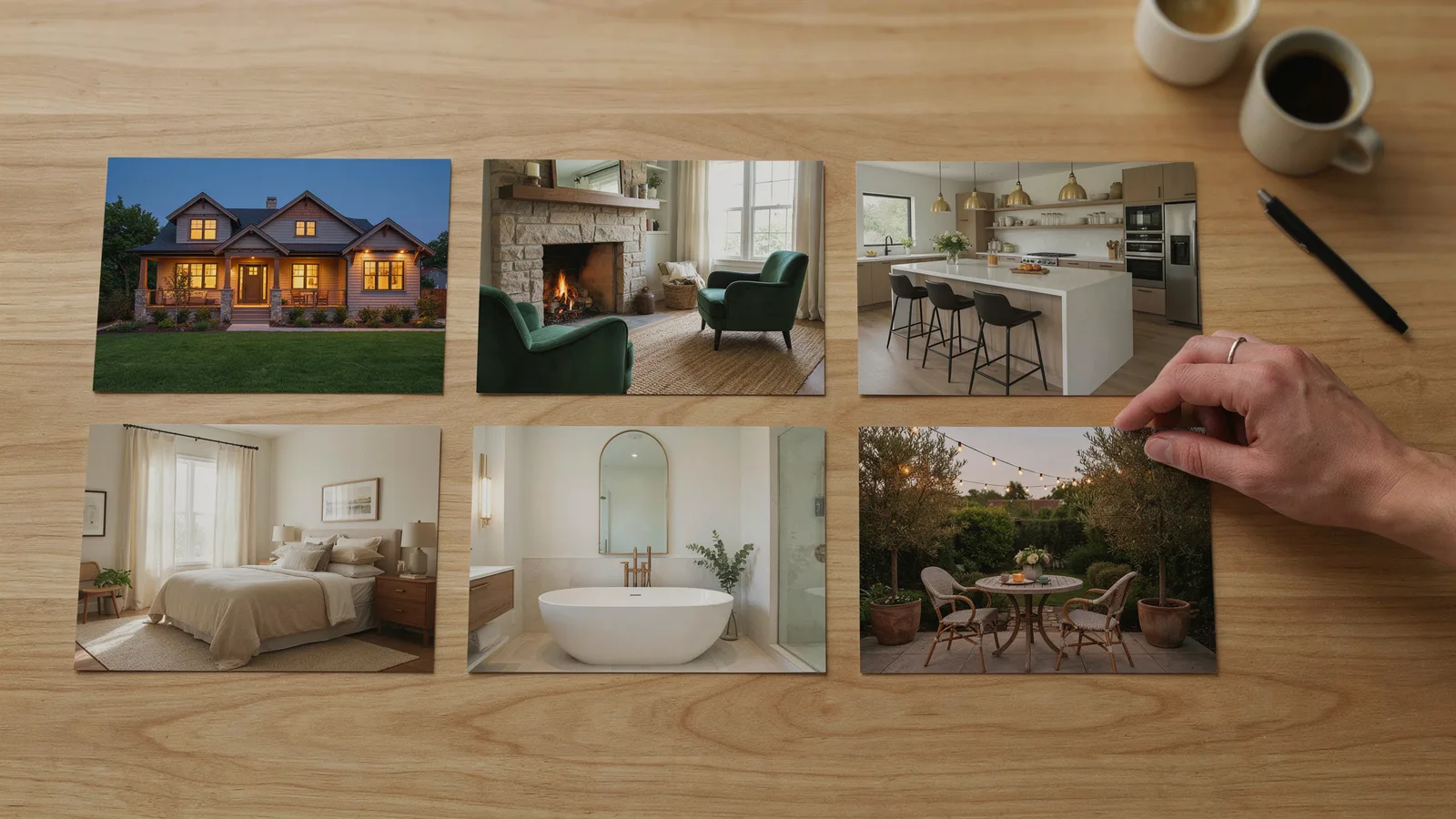
| Order | Photo | Why it goes here |
|---|---|---|
| 1 | Exterior hero (front, best light or twilight) | The hook, and often the frame people see before they tap |
| 2 | Living room | The first "could I live here" room |
| 3 | Kitchen | Layout and finishes; give it two photos if it's the selling point |
| 4 | Primary bedroom | Size, windows and light |
| 5 | Primary bath | Finishes; one photo is usually enough |
| 6 | Outdoor space (yard, patio, pool or view) | A strong closer |
| 7 | Exterior or best photo again | Sits under your agent card |
Slot dining, office or secondary bedrooms between the kitchen and the primary bedroom if they earn a place.
4. Choose a camera move for each photo
- Dolly in for rooms with depth, like a hallway or a kitchen shot past the island.
- Truck left or right for wide rooms and long facades.
- Crane up for exteriors, pools and backyards, where a slow rise feels natural.
- Arc left or right for corner shots, where a slight orbit shows depth around an island or a sofa.
Keep small bathrooms and tight bedrooms on gentle moves. Big moves in small rooms are where generators tend to improvise. If you're unsure, Auto lets the tool choose.
5. Add music
Pick a track licensed for business use on every platform you post to. Trending songs in the Instagram or TikTok app generally aren't cleared for business accounts. Our real estate video editing workflow covers music licensing and pacing in detail.
6. Add the listing card, agent card and title card
The listing card carries price, beds, baths, square feet and address. The agent card carries your photo, name, brokerage, phone and logo, plus anything your state requires in ads. A title card such as "Just Listed", "Open House" or "Price Improved" tells viewers why they're seeing the home today.
7. Export for each platform
- 9:16 vertical for Instagram Reels, TikTok and YouTube Shorts.
- 1:1 square for Facebook and Instagram feed posts.
- 16:9 wide for YouTube, your website and listing pages.
YouTube treats square or vertical videos up to three minutes long as Shorts (YouTube Help). For where and when to post each version, see our listing video playbook for Reels, TikTok and YouTube.
How to check every clip before you post
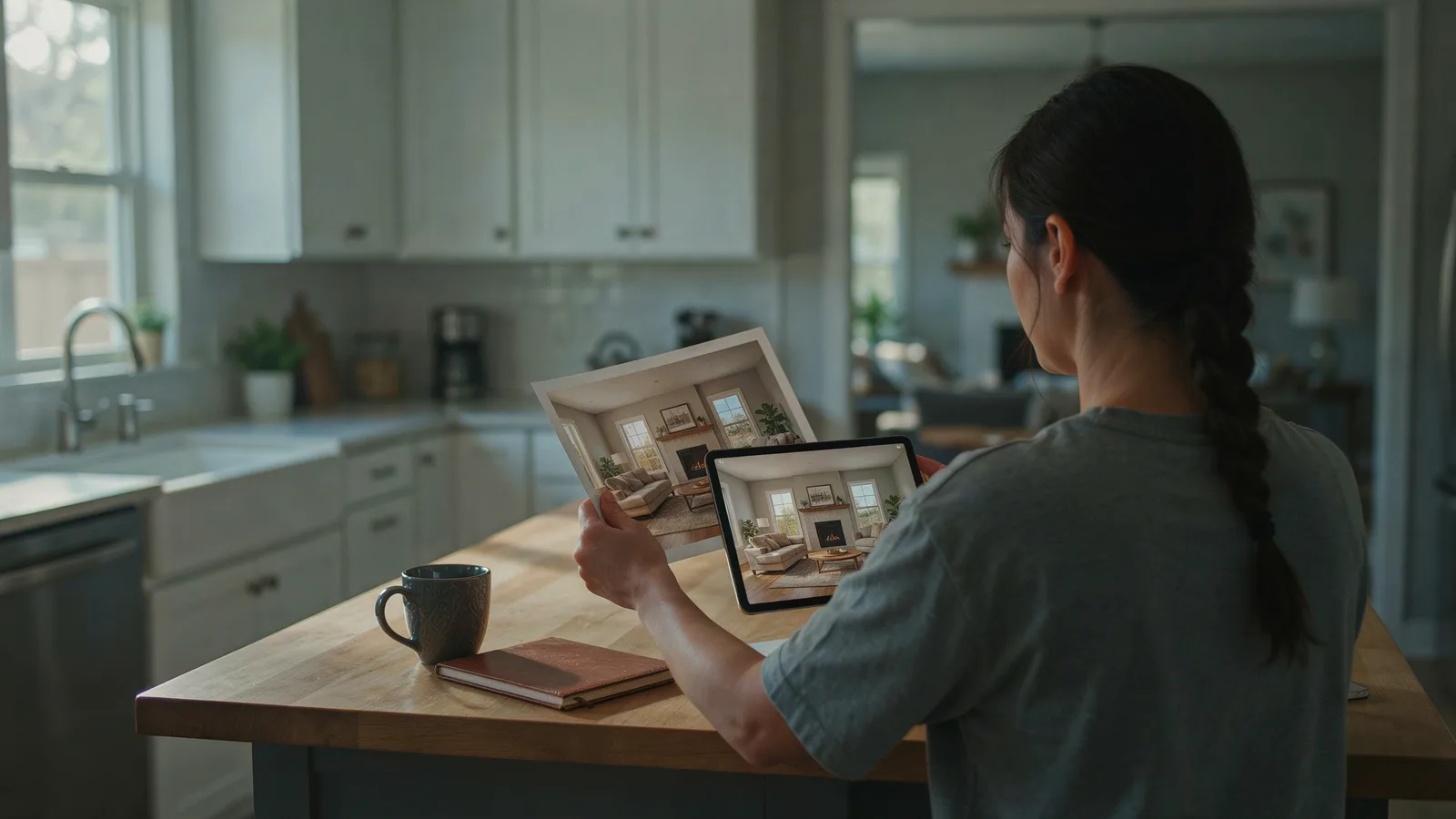
Watch each clip full screen. Then pause on its last frame and compare it with the original photo. Check:
- Furniture and decor: the same pieces, the same count, nothing new in empty corners.
- Windows and doors: the same number, size and placement.
- Views: what's outside the window matches the photo, with no new skyline, water or trees.
- Floors, walls and finishes: the same materials, colors and patterns.
- Straight lines: door frames, cabinets and tile lines stay straight without bending or wobbling.
- Mirrors and glass: reflections don't show rooms or objects that aren't there.
- Things that move on their own: ceiling fans, water, curtains. If they move, the model added motion that never happened. Decide whether you're comfortable with that.
- Text in the photo: house numbers and signs stay sharp instead of melting.
If a clip fails any check, redo it with a gentler move or swap in a different photo. Don't post it and hope nobody notices.
What to look for in a real estate video maker
Whether a product calls itself a real estate video creator, an AI real estate video editor or a generator, the useful questions are the same:
- Does it move your real photo or generate a new scene? Ask what the first and last frame of each clip are.
- Can you redo one clip without rebuilding the whole video?
- Can you set the move per photo, or is everything automatic?
- Is the music licensed for business use on Instagram, TikTok and YouTube?
- Does it import from a listing link, including price and details?
- Does it export 9:16, 1:1 and 16:9 from the same project?
- What else is in the box? AutoReel, for example, turns each photo into a 3-second clip and also offers AI voiceover, captions and virtual staging (AutoReel). If you want narration or captions, that matters. If you mostly want speed and accuracy, it may not.
For a wider look at the category, see our roundup of AI tools for real estate agents.
The short version
- AI real estate videos come in three kinds: flat pan-and-zoom, depth parallax and generative video.
- Generative clips look the most like real footage and are the only kind that can invent things.
- Anchor each clip to the real photo, keep it near 3 seconds, use slow moves and review every one.
- Order photos exterior, living room, kitchen, primary bedroom, bath, outdoor, then the exterior again.
- Add licensed music, your listing and agent cards, and export 9:16, 1:1 and 16:9.
- Disclose anything altered, and add a one-line note that the video was made from photos.
If you want a tool built around that real-first-frame, real-last-frame rule, VidListings is in early access, and it's free to start.