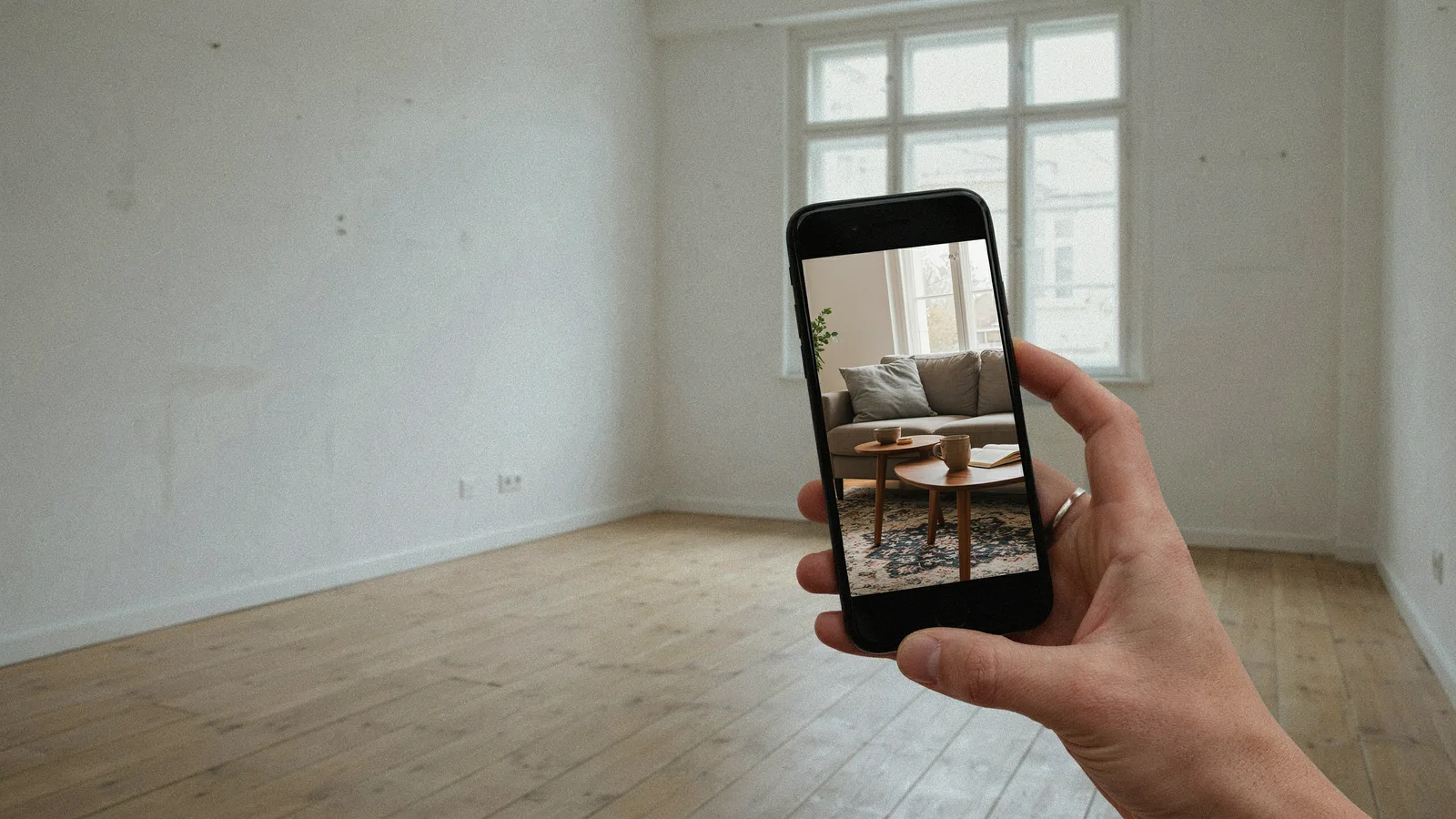
The best AI tool to turn listing photos into a video depends on what you need, because no single tool leads on every feature. If you start from a listing link and want each room kept as photographed, VidListings fits; if you want a voiceover, Reel-E or Amplifiles; and if price per video matters most, VideoTour.ai or MotionCasa.
VidListings makes a listing video tool, mentioned below. We've tried to keep this guide useful whether or not you use it.
The short verdict, as of October 2026:
- Start from a listing link, keep rooms as photographed: VidListings. Paste a Zillow, Realtor.com, Redfin or Rightmove link, and the camera moves the real photo without adding furniture or views.
- Voiceover and captions: Reel-E or Amplifiles. Amplifiles also reads a Zillow or MLS link.
- Lowest price per video at volume: VideoTour.ai, where the Enterprise plan is $99 a month for 200 videos.
- Pay per listing, no subscription: MotionCasa, at $19 per listing.
- A strict "doesn't redecorate" promise: Villenza.
- An AI avatar presenter: HeyGen.
If you're moving off a tool you already use, our guide to AutoReel alternatives is written for that switch.
How do the main tools compare?
Starting prices are as of October 2026, from each tool's own pricing page. "Not stated" means the site didn't say, not that the feature is missing.
| Tool | How photos move | Listing link import | Voiceover / captions | Formats | Staging | Starting price |
|---|---|---|---|---|---|---|
| VidListings | AI camera move on the real photo, 3 s per photo, 8 moves | Zillow, Realtor.com, Redfin, Rightmove, Zoopla, idealista, ImmobilienScout24, realestate.com.au | No voiceover, no auto captions; text you type | 9:16, 1:1, 16:9 | Opt-in; original kept until you pick the edit | Free trial: 2 videos up to 15 s, no card; monthly plans |
| Reel-E | Generative motion through the depth of the scene; "AI+" animates water, clouds, light | No; download and upload | Yes / Yes | 16:9, 9:16, 1:1 | Yes | $59/mo, or $44/mo annual, for 3 listings |
| Amplifiles | AI animation per photo; Creative Mode with prompts | Zillow or MLS link | 30+ languages / Yes | 16:9, 9:16, 1:1 | Yes | $1.50 per image, or from $29 for 23 images |
| VideoTour.ai | Free pan, zoom, tilt; AI motion 10 credits per photo | Not stated | Separate page / Yes | Horizontal, vertical, square; 720p or 1080p | Via credits | 1 free video; $29/mo for 10 |
| MotionCasa | Generative camera move per photo | No; upload 5 to 8 photos | Not stated / Editable | 9:16, 16:9, 1:1; AI clips 720p | Not stated | $19 per listing |
| Villenza | 38 camera moves from 3 to 5 photos of a room | No; upload | Not stated | Vertical, square, wide; 720p | No | $49/mo for 1 listing |
| HeyGen | AI avatar presenter with listing templates | Zillow, Redfin or MLS link | Yes / Yes | Vertical, square, 16:9; 1080p | Not stated | 3 free watermarked videos/mo; $29/mo |
| AutoReel | AI photo to video, 3 s per photo; AI avatars | Realtor.com | Yes, incl. voice cloning / Yes | Portrait, landscape | Yes | $30/mo billed yearly, 20 videos a year |
| HomeReel | Styles such as Walkthrough, Crane Up, Glide | Zillow, Redfin, Realtor.com | Not stated | Not stated | Pro plan and up | $39.99/mo for 4 videos |
| BetterSpace | AI motion, optional avatar | Zillow, Rightmove or website link | Automatic | Not stated | Yes | 2 free videos/mo; $29/mo |
| PropWalk | Walkthrough, about 3 s per room | Address or Zillow link | Not stated | Vertical, wide | Furniture only, with disclosure | $39 one-off per listing |
| Listing Reel Maker | AI motion | Zillow or Realtor.com link | Auto narration / Yes | 9:16 | Not stated | $2.50 per photo credit; $29.99/mo |
Which tool fits which agent?
VidListings
Turns a listing link, or 5 to 30 uploaded photos, into a short video. Each photo becomes a 3-second clip with a camera move such as Dolly in, Crane up or Arc left, or Smart pick chooses one per photo. Title cards fill in the address, price, beds and baths from the link, and a saved brand kit adds your agent card to every video. Our guide to AI real estate videos explains why clips stay short.
- Best for: agents who post every listing and want rooms to look the way they were photographed.
- Watch out for: no voiceover and no automatic captions; any text on screen you type yourself. At 3 seconds per photo, 10 photos make 30 seconds. Trial videos carry a watermark.
Reel-E
Generative camera motion that moves through the depth of each room, plus an "AI+" mode that animates water, clouds and light. Voiceover, captions, staging and branding are included.
- Best for: agents who want a narrated video with captions.
- Watch out for: no direct link import; its listing URL page tells you to download the photos and upload them. The 7-day trial asks for a card. "AI+" adds movement that wasn't in the photo, so decide whether you want that in a listing.
Amplifiles
Animates each photo with moves like push-in, truck and pedestal, and Creative Mode lets you prompt the motion with start and end frames. It reads a Zillow or MLS link and does voiceover in 30+ languages.
- Best for: narrated videos in more than one language, starting from a link.
- Watch out for: you pay per image, so a 20-photo video is $30 at the pay-as-you-go rate. Prompted clips give the model more freedom, so check them closely.
VideoTour.ai
Free default animations (pan, zoom, tilt), optional AI camera motion for 10 credits a photo, and separate avatar videos. It takes up to 60 photos.
- Best for: high volume on a budget. 200 videos for $99 a month is the lowest per-video price in this list.
- Watch out for: the default animations are classic pan-and-zoom, which reads like a slideshow. Real camera motion costs credits, and link import isn't stated.
MotionCasa
A generative camera move per photo from 5 to 8 uploaded photos, with editable captions and your logo, headshot and contact details.
- Best for: agents with a few listings a year who don't want a subscription.
- Watch out for: its own site warns that the AI may alter rooms, geometry and details. Eight photos make a short video, AI clips are 720p, and there's no free trial.
Villenza
Builds 38 camera moves from 3 to 5 photos of each room, with a brand kit and music. No staging.
- Best for: listings where accuracy matters more than effects. Its site says: "It moves the camera. It doesn't redecorate."
- Watch out for: the Agent plan covers 1 listing a month, output is 720p, and the free sample is a single 4-second clip.
HeyGen
An avatar presenter tool with real estate templates. Paste a Zillow, Redfin or MLS link and a presenter talks through the listing, with voiceover and captions.
- Best for: agents who want a presenter without being on camera.
- Watch out for: its real estate page centers on the presenter and templates and doesn't describe camera motion through the photos. Free videos are watermarked and up to 1 minute.
AutoReel
AI photo-to-video at 3 seconds per photo, with AI avatars, voiceover including voice cloning, captions and staging. It imports from Realtor.com.
- Best for: agents who want voice cloning and a long feature list in one place.
- Watch out for: plans count videos per year, and a promo banner was showing on October 23, so listed prices may be discounted.
Others worth a look
- HomeReel reads Zillow, Redfin and Realtor.com links (details). The brand overlay is only on the top plan.
- BetterSpace gives 2 free videos a month, reads Zillow and Rightmove links and adds voiceover automatically. Brand kits are on Teams plans only.
- PropWalk sells a one-off listing video and says its videos keep "the same rooms, layout and finishes" (facts page).
- Listing Reel Maker adds narration and captions, vertical only.
- vProp writes a script and voiceover from your photos and the address (pricing).
- Canva has free templates, but you place every photo and type every detail by hand.
How did we compare them?
We read each tool's own home, feature and pricing pages on October 23, 2026, and recorded only what each site states. We didn't buy a plan from every tool, so this compares what each one offers, not the quality of its output. Prices change and several tools run promotions, so check the pricing page before you pay. We make VidListings; read its row with that in mind and test it like any other tool. For tools beyond video, see our list of AI tools for real estate agents.
How do I test any tool in 10 minutes?
Run every tool on the same photos so you compare like with like.
- Pick 5 tricky photos: a room with a big mirror, a room with big windows and a view, a small bathroom, a kitchen full of straight lines, and the front exterior.
- Start the free tier or trial. Note whether it asks for a card.
- Try the link import with a live listing, if the tool has one. Check it pulled the right photos, price, beds and baths.
- Make one video with default settings.
- Compare last frames. Pause on the final frame of each clip and hold it next to the original photo. Look for extra doors, warped mirrors, new furniture, a changed view and bent cabinets.
- Check the watermark on the free video and which plan removes it.
- Check export sizes. Export 9:16 and 16:9 and note the resolution. Many MLSs accept only unbranded tours in the virtual tour field (Bright MLS), so see if you can export without your agent card.
- Check staging rules if you used staging or effects. California's AB 723 requires a statement on a digitally altered image in ads and a link to the unaltered original. Our virtual staging guide covers disclosure.
Keep the tool whose last frames you'd be comfortable showing a buyer standing in that room.
What doesn't VidListings do?
- No voiceover and no automatic captions. Add captions in the Instagram or TikTok editor if you need them.
- No avatar presenter.
- Link import works for the eight portals in the table; for other sites, upload the photos.
- The free trial is 2 videos of up to 15 seconds each, with a watermark.
If you want to see your next listing with the rooms kept as photographed, try VidListings free: 2 videos up to 15 seconds, no card needed.