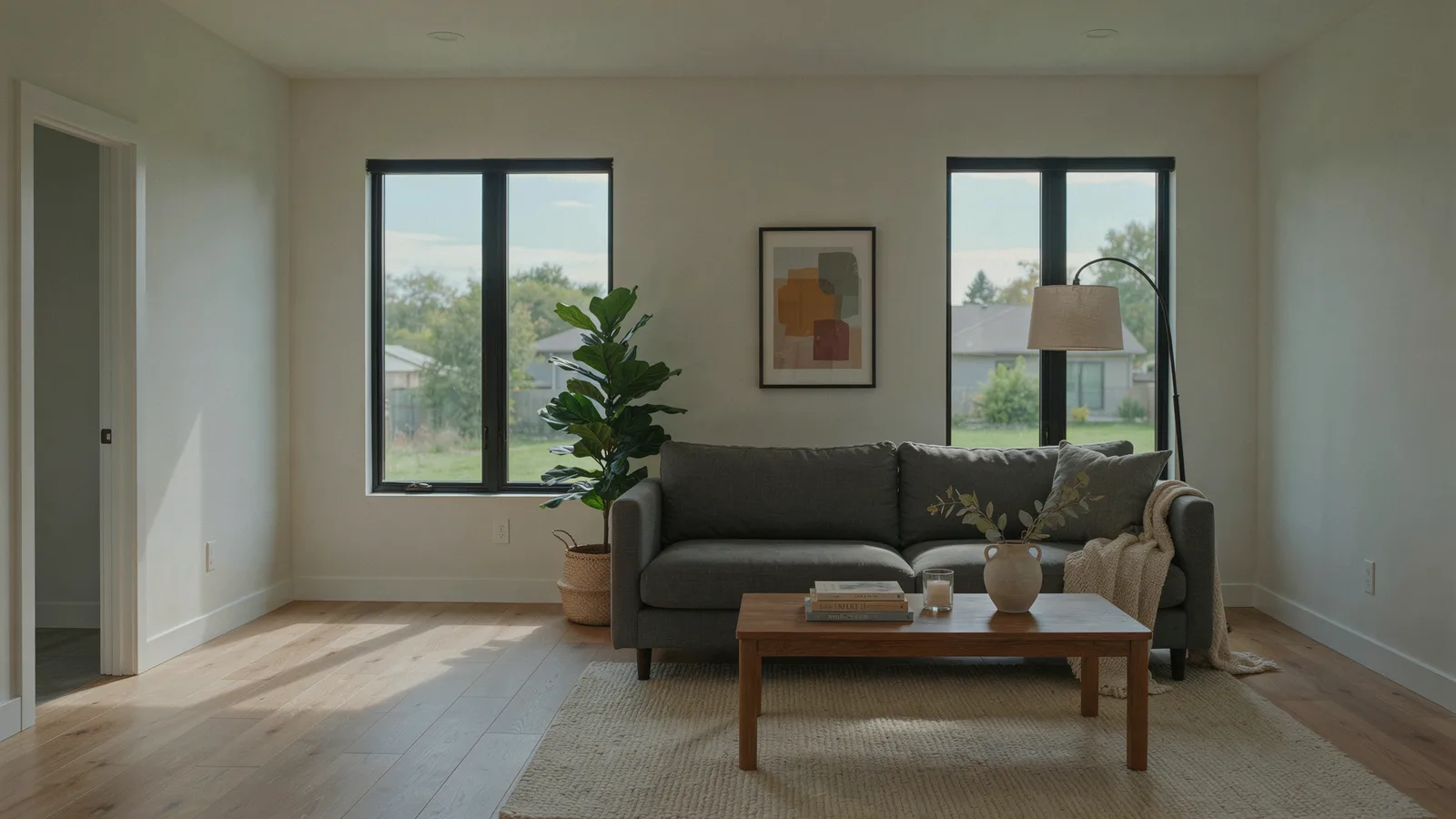
Virtual staging is the practice of digitally adding furniture and decor to a photo of an empty room so buyers can see how the space could live. As of October 2026 it costs about $16 to $49 per photo from a human designer and usually under $5 per photo with an AI subscription, compared with a $1,500 median for a professional physical staging service (NAR). It is legal, but you have to label staged photos, and in California you also have to give buyers a way to see the original.
Here is what it is, what it costs, whether it pays off, and the disclosure rules that now apply.
VidListings makes a listing video tool with an optional AI photo edit, mentioned below. We've tried to keep this guide useful whether or not you use it.
What is virtual staging?
A designer or an AI model places furniture, rugs, art, plants and lamps into a listing photo. The room itself stays as it is: same walls, windows, floor, ceiling and view.
The point is to answer the questions an empty room raises. Where does the sofa go? Does a king bed fit? Is that small room an office or a nursery?
People lump several edits together under "virtual staging." They are different, and the rules treat them differently.
| Edit | What changes in the photo | Usually allowed in the MLS? | Disclose it? |
|---|---|---|---|
| Virtual staging | Adds movable furniture and decor | Yes | Yes |
| Item removal (virtual decluttering) | Removes furniture or clutter | Usually, for things that leave with the seller | Yes |
| Sky replacement, day to dusk | Swaps a gray sky or turns day into twilight | Varies by MLS | When in doubt, yes |
| Virtual renovation | Changes floors, paint, cabinets or walls | Banned in some MLSs unless the work will be done | Yes |
| Basic photo editing | Exposure, white balance, straightening, cropping | Yes | No |
| Physical staging | Real rented furniture in the real room | Not an edit | No |
Virtual staging vs physical staging
Physical staging puts real furniture in the house, so buyers see it at the showing as well as online. It costs more, takes days to install, and some of the fees can repeat monthly.
Virtual home staging only exists in the photos. When buyers walk in, the room is empty. That is fine as long as they knew it from the listing, which is what the disclosure rules below are about.
How much does virtual staging cost in 2026?
Prices below are from each provider's own pricing page, as of October 2026.
| Option | Typical price | Turnaround | Notes |
|---|---|---|---|
| AI tool, monthly plan | Virtual Staging AI: $25/month for 6 photos. InstantDeco: $14/month for 8 photos. REimagineHome: from $19/month | Seconds | You review and regenerate yourself |
| AI, pay per image | Apply Design: $7 to $10 per coin, 1 coin per DIY photo, 1.5 per one-click photo | About 15 minutes for one-click | First image free |
| Human designer service | Styldod: $16 to $23 per image. BoxBrownie: US$30. roOomy: $49, or $69 with rework | 24 to 48 hours (Styldod standard) | Revisions included with some services |
| Physical staging, professional | NAR median $1,500. Zillow puts vacant homes at $4,000 to $6,000 with furniture rental | Days to install | Some fees repeat monthly |
| Physical staging, done by the agent | NAR median $500 | Varies | Uses your own or borrowed pieces |
What a whole listing costs
Say you have a vacant three-bedroom and you stage five photos: living room, dining area, primary bedroom, a second bedroom and a bonus room.
- Human designer: about $115 (five at Styldod's $23 rate) to $245 (five at roOomy's $49 rate).
- AI tool: one month of a starter plan, roughly $14 to $25, if the results pass your review.
- Physical staging: a $1,500 median for a staging service, per NAR's 2025 survey, and more for a fully vacant home.
If the rooms are furnished and you want them cleared first, add item removal. BoxBrownie lists it at US$10 per image.
If you want to test AI staging before paying anything, our guide to free AI virtual staging tools covers what each free tier actually includes.
Is virtual staging worth it?
NAR's 2025 Profile of Home Staging measures staging in general, not virtual staging alone. Still, the core findings apply to photos:
- 83% of buyers' agents said staging made it easier for a buyer to picture the property as a future home.
- 29% of sellers' agents said staging increased the dollar value offered by 1% to 10%.
- 49% of sellers' agents said staging reduced time on market.
On virtual staging specifically, the same release reports that 34% of sellers' agents considered it less important to their clients and 24% considered it equally important. Buyers' agents ranked photos (73%), physical staging (57%), videos (48%) and virtual tours (43%) as highly important in listings.
Our read: virtual staging is worth it when the photo is the problem. It usually pays off when:
- The home is vacant and the empty rooms look smaller or harder to read than they are.
- A room has an unclear purpose (loft, bonus room, oddly shaped bedroom).
- Physical staging does not fit the budget. Five staged photos for $115 on a $400,000 listing is about 0.03% of the price.
It is usually not worth it when the home is already well furnished, or when the rooms have condition problems buyers will notice in person. Staging over a worn floor only sets up a disappointing showing.
Virtual staging disclosure: the rules in 2026
Three layers apply: the Realtor Code of Ethics, your MLS rules, and, in California, state law. This is a summary, not legal advice. Check your own MLS and state rules before you upload.
NAR Code of Ethics: present a true picture
Article 12 requires Realtors to "present a true picture" in their advertising. Standard of Practice 12-10 extends that duty to images and bars "misleading images." An unlabeled staged photo that leads a buyer to expect a furnished home is the kind of thing that ends up in an ethics complaint.
MLS rules: label it, and often show the original
CRMLS Rule 11.5.2 is a clear example. If you upload a digitally altered image, you must:
- Upload the original, unaltered photo as well.
- Display it immediately before or after the altered one.
- Label the altered photo "Photo Modified," "Virtually Staged," "Digitally Altered," "AI Altered" or a similar term in the photo's text field.
The same rule bars altering flooring, walls, windows, cabinetry, paint color, fixtures or floor plans unless the home will be improved to match by closing, and bars changing views, utility poles or neighboring properties. CRMLS's FAQ says violations get a warning, then a $250 fine if not corrected in time. No watermark is required; the label goes in the description.
Other MLSs differ. Stellar MLS's photo rules let you alter furnishings that won't stay with the home, but not remove utility lines, add plantings, cover material flaws, swap permanent fixtures or change paint colors.
California AB 723: disclosure plus the original
AB 723 added Section 10140.8 to the Business and Professions Code. It was signed on October 10, 2025 and took effect January 1, 2026. It applies to licensed brokers and salespersons, and anyone acting on their behalf, who use a digitally altered image in an advertisement or promotional material for the sale of real property.
- What counts: an image altered with photo editing software or AI to add, remove or change elements, including furniture, fixtures, appliances, flooring, walls, paint color, landscaping, facade, floor plans, and things outside or visible from the property such as utility poles and views.
- What doesn't: lighting, sharpening, white balance, color correction, angle, straightening, cropping and exposure adjustments that don't change how the property is represented.
- What you must do: put a reasonably conspicuous statement on or next to the image saying it was altered, with a link, URL or QR code to a public page that shows and clearly identifies the original. On a website you control, include the unaltered image in the posting (or link to it).
A willful violation of California's Real Estate Law is a crime. "Promotional material" is broad, so we treat flyers, social posts and listing videos the same way as the MLS.
Virtual staging disclosure checklist
| Where the photo appears | What to do |
|---|---|
| MLS | "Virtually Staged" in the photo description. Original photo right before or after it. No changes to permanent features. |
| Your listing website | Caption on or next to each staged photo. Originals in the same gallery or one click away. |
| Social posts and listing videos | "Virtually staged" in the post text, plus a link to the original photos. Show the empty room too. |
| Flyers and print ads | A short line under the photo and a QR code to the originals. |
| Showings | Tell buyers which rooms were staged before they arrive. |
Which rooms should you virtually stage?
NAR's 2025 survey found buyers' agents rated the living room (37%), primary bedroom (34%) and kitchen (23%) as the most important rooms to stage. Sellers' agents most often staged the living room (91%), primary bedroom (83%), dining room (69%) and kitchen (68%).
In practice, three to five photos cover most listings:
- Living room. The main photo buyers judge the house by.
- Primary bedroom. A bed shows scale better than any measurement.
- Dining area. A table makes an open plan readable.
- Any room with an unclear job. Loft, bonus room, den, small third bedroom.
Kitchens and bathrooms need little. A few stools, a bowl of lemons, folded towels. Skip hallways, garages and closets.
How do you make virtual staging look real?
Bad virtual staging is easy to spot, and it costs you trust. A few habits keep it believable:
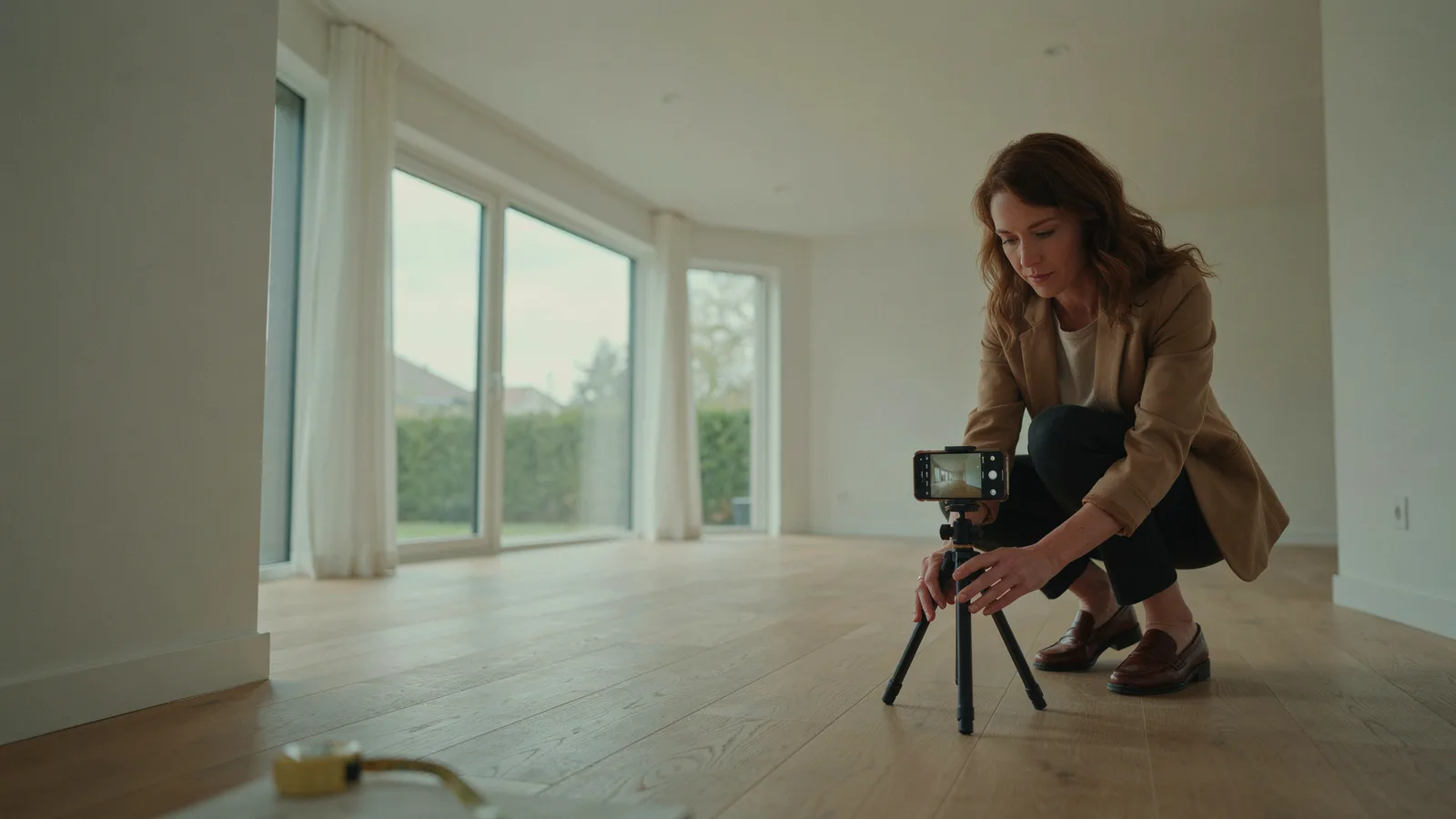
- Start with a good photo. Level camera, straight verticals, wide but not distorted, lights on and blinds open. Staging can't fix a crooked, dark shot.
- Match the buyer. A downtown condo for first-time buyers wants a compact sofa and a small dining table. A suburban four-bedroom wants a family-size table and a sectional.
- Keep furniture to scale. Undersized pieces make a room look bigger than it is, and buyers notice at the showing. Compare each piece to the door height.
- Leave walkways and windows clear. Don't block doors, vents or radiators.
- Never cover flaws. No rug over damaged flooring, no plant in front of a wall crack.
- Check light and shadows. Shadows should fall away from the windows, and furniture legs should touch the floor.
- Use one style per listing. Mixed styles look like a catalog, not a home.
AI tools add their own risks (warped windows, invented fixtures, changed floors). Our guide to AI tools for real estate agents covers where AI helps and where it needs a careful eye.
Virtual staging before and after: show both
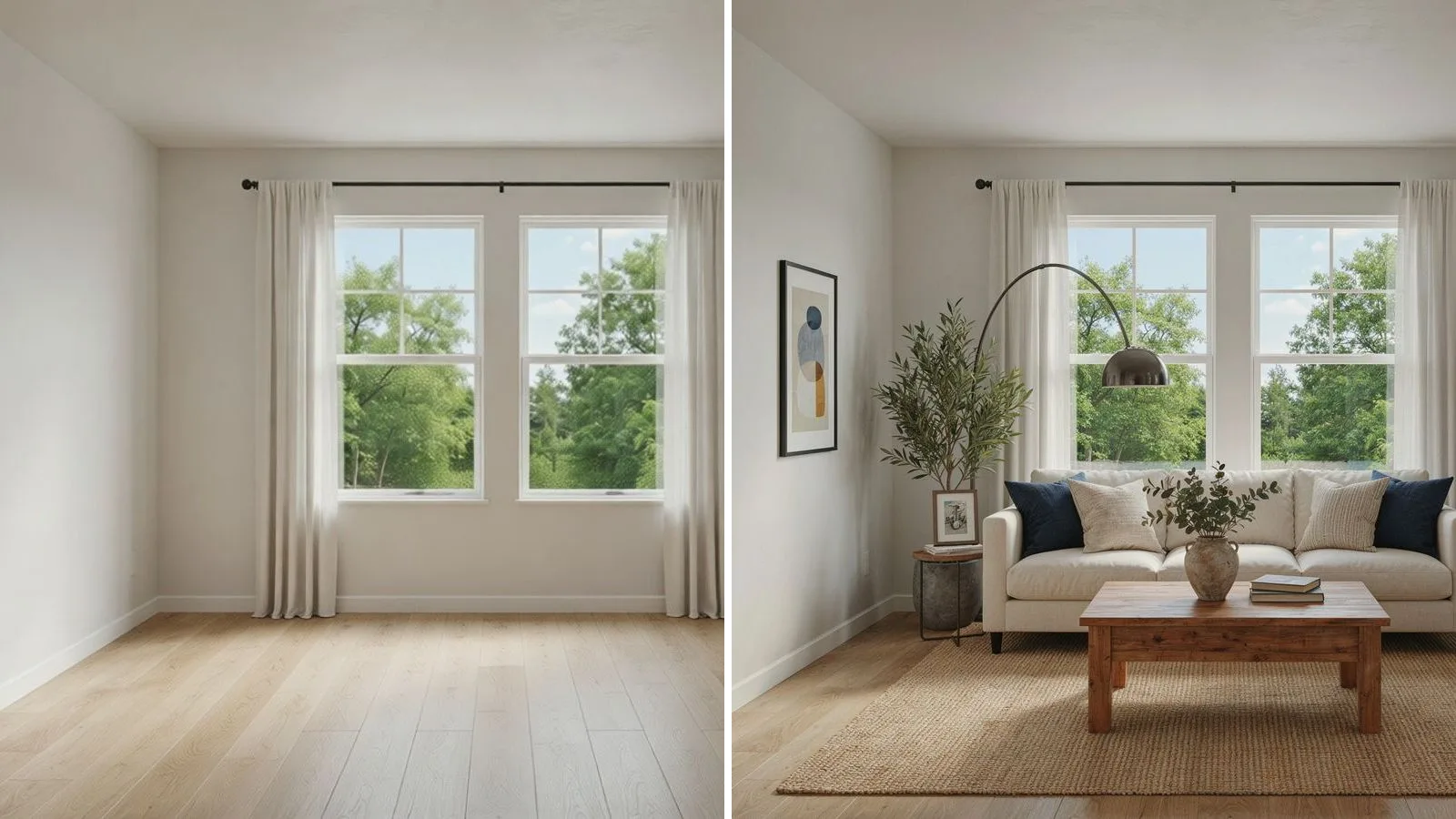
Showing the empty original next to the staged version is now required in some places, and it also works as marketing. Buyers like the reveal.
- In the MLS: original first, staged second, both labeled.
- On social: a two-photo carousel or a before-and-after slider. It is one of the easier ideas in our list of real estate social media posts.
- In a listing video: show the empty room, then the staged one, and say so in the caption. Our guide to AI real estate videos explains how to turn photos into video without inventing rooms.
If you make listing videos with VidListings, its Restage edit can furnish an empty room, declutter or add a blue sky from a short instruction. It is opt-in: you see the edited photo and choose whether to use it, and the edit asks the model to keep the same walls, windows, floor and camera angle. Check the result and disclose it like any other staged photo.
The short version
- Virtual staging adds furniture to photos. It does not change the house, and it should never hide anything.
- As of October 2026, expect $16 to $49 per photo from a designer, under $5 with an AI plan, and about $1,500 for physical staging.
- Stage three to five photos: living room, primary bedroom, dining area, and any room with an unclear purpose.
- Label every staged photo, keep the original next to it, and never alter floors, walls, fixtures or views.
- In California, AB 723 requires a disclosure on or next to the image and a link or QR code to the original.
When the listing goes to video, VidListings moves the real photos and leaves the rooms as they are, so the only staged scenes are the ones you choose. It's free to start.