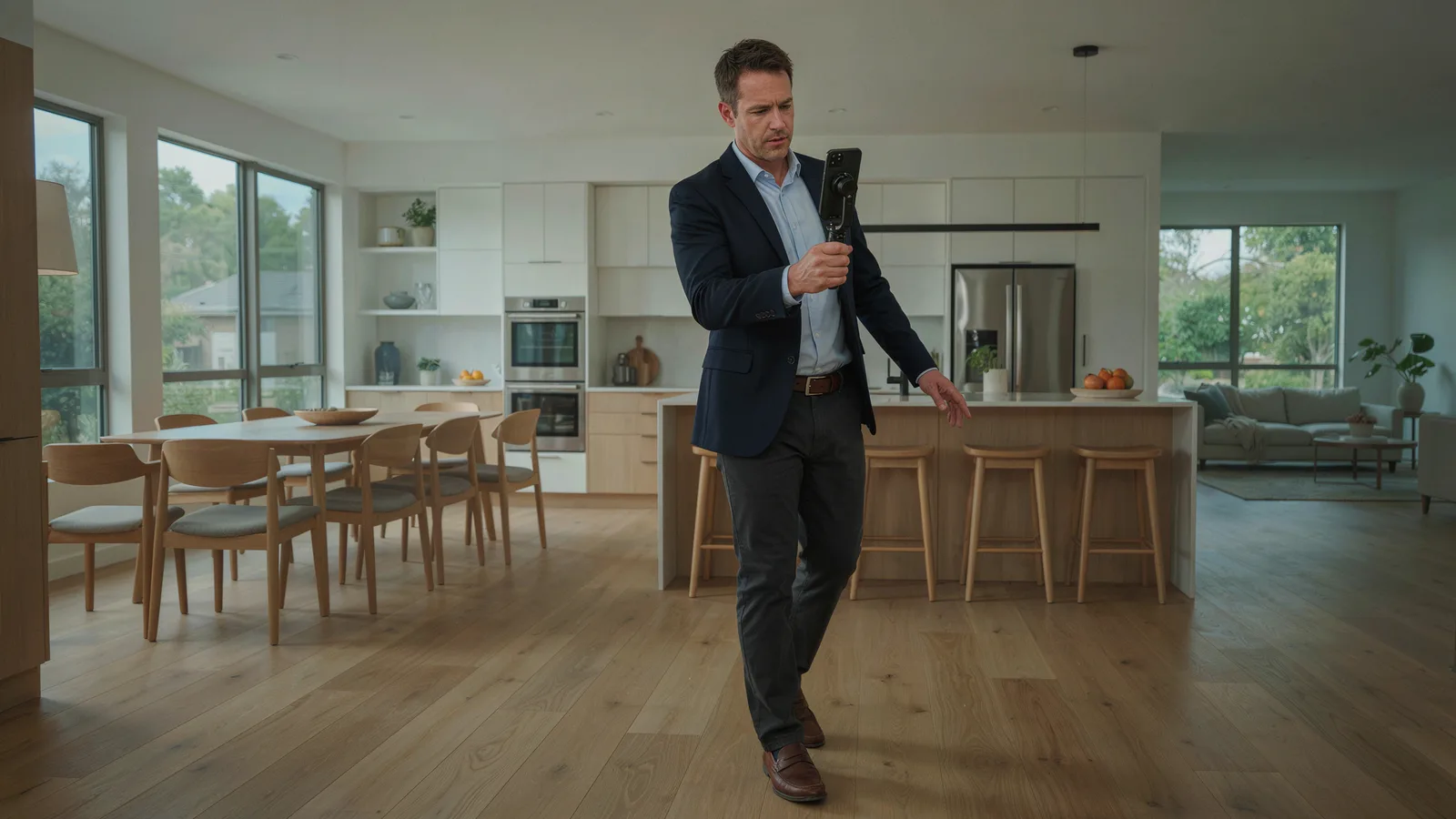
The easiest way to make Instagram Reels and TikToks for your listings without a videographer is to turn the listing photos into a vertical 9:16 video with a listing video tool, such as VidListings, which adds camera motion to each photo and takes a few minutes. If you'd rather show the home in real motion, film a slow walkthrough on your phone and trim it in the Instagram or TikTok editor. Canva and CapCut templates sit in between: more control, more of your time.
VidListings makes a listing video tool, mentioned below. We've tried to keep this guide useful whether or not you use it.
Which way of making listing Reels is right for you?
| Option | Your time | Skill | What it looks like | Best for |
|---|---|---|---|---|
| Listing video tool, from the listing photos | A few minutes | None | Each photo moves with a slow camera move; title and agent cards; music | Every listing, especially when you post several a month |
| Phone walkthrough you film yourself | A visit to the home plus editing | Steady hands and some editing | Real footage; shaky or dark if rushed | Showing layout and flow between rooms |
| Canva or CapCut template | Longer: you place each photo and type every detail | Some design comfort | Animated text over still or pan-and-zoom photos | Agents who already design in Canva |
| Hire a videographer or editor | A shoot day, then waiting for the edit | None on your side | Real footage, often with drone shots | Luxury and complex homes |
On cost, the one with a clear market price is hiring. A PropPhoto aggregate of 952 packages puts a real estate video walkthrough at typically $200, with a range of $150 to $300, and drone video at typically $250 (as of October 2026). Our guide to real estate videography covers when that's worth it.
What specs do Reels, TikTok and Shorts need?
Make one vertical 9:16 video at 1080 x 1920 and it fits every short-video platform.
| Platform | What the platform allows | Source |
|---|---|---|
| Instagram Reels | Up to 20 minutes, but Reels over 3 minutes aren't recommended to new audiences; 1.91:1 to 9:16, at least 30 fps, at least 720 px | Instagram Help, Instagram specs |
| TikTok | 3 minutes documented by TikTok; 9:16 at 1080 x 1920 is the safe format | TikTok Newsroom |
| YouTube Shorts | Square or vertical videos up to 3 minutes count as Shorts | YouTube Help |
| Facebook Reels | No length or format restrictions | Meta, June 17, 2025 |
The platforms allow long videos, but listings don't need them. Aim for 30 to 45 seconds for a full tour and keep TikToks under 60 to 90 seconds.
How do I make a listing Reel from photos, step by step?
These steps use VidListings. Most listing video tools follow a similar path.
- Bring in the photos. Paste a Zillow, Realtor.com or Redfin link (a few international portals work too) and it pulls in the photos plus the address, price, beds, baths and size. Or upload 5 to 30 photos.
- Pick 10 to 15 photos and order them. Each photo becomes a 3-second clip, so 10 photos make 30 seconds. Start with the best exterior, walk through the main rooms, and end on the backyard or the exterior again.
- Set the camera moves. Choose Dolly in, Dolly out, Crane up, Arc left or right, or Slide left or right for each photo, or let Smart pick choose. The move uses your real photo and doesn't add rooms, furniture or views.
- Review each clip. If one looks wrong, make a new version of that clip alone, or trim it in the editor.
- Add a title card and your agent card. Pick a headline such as Just Listed, and save your logo, name, brokerage and phone once in the brand kit.
- Add music from the built-in library.
- Export 9:16. The video appears in your dashboard a few minutes after export. Export 1:1 as well if you post to the feed.
- Finish in the app. Upload to Instagram or TikTok, add captions there, pick the exterior as the cover, and write the caption with the neighborhood and price.
For shot order and pacing in more detail, see our real estate video editing workflow. For how AI motion can go wrong and how to check it, read AI real estate videos without fake rooms.
How do I film a phone walkthrough that looks good?
If you'd rather film:
- Shoot vertical, in daylight, with every light on.
- Walk slowly and keep the phone at chest height.
- Film one short, steady shot per room instead of one long take.
- Open with the front of the house, end outside.
- Trim and add music in the Instagram, TikTok or CapCut editor.
Real footage shows how rooms connect, which photos can't. It also takes a visit to the home and more editing, and a shaky clip can hurt more than help.
What should I post for each listing, week by week?
One listing can carry several posts. Use the same project and change the title card each time.
| When | Post | What to show |
|---|---|---|
| Before it's live | Coming Soon | 3 to 5 photos and a Coming Soon card. Check your MLS's rules on marketing before a listing is active |
| Day it goes live | Just Listed | The full 30 to 45 second tour with price, beds and baths |
| 2 to 3 days before the open house | Open House | About 8 photos and the Open house sticker with the date and time |
| Each week it's active | A fresh angle | One room, the yard, or a phone clip of the street and nearby park |
| If the price changes | Price Improved | A different lead photo than the Just Listed video, the new price |
| After closing | Just Sold | The exterior and a Just Sold card, to reach future sellers |
Post the same video to Reels, TikTok, Shorts and Facebook Reels. Our real estate video marketing playbook covers hooks and timing, and our list of real estate social media posts has caption ideas for each stage.
What are the limits?
- No voiceover and no automatic captions in VidListings. The video is camera motion, music and the text you type in headings and caption boxes. If you want captions, add them in the Instagram or TikTok editor before you post.
- Photos set the ceiling. A video made from dark or crooked photos will look dark and crooked.
- It doesn't show flow between rooms. Each clip moves within one photo. If layout is the selling point, add a phone walkthrough.
- The free trial is short. 2 videos of up to 15 seconds each, with a watermark. Paid plans remove the watermark and allow up to 25 photos per video.
- Altered photos need a label. If you use virtual staging or other edits, label the clip and follow your MLS's rules.
If you want your next listing Reel made from the photos you already have, VidListings is free to start.