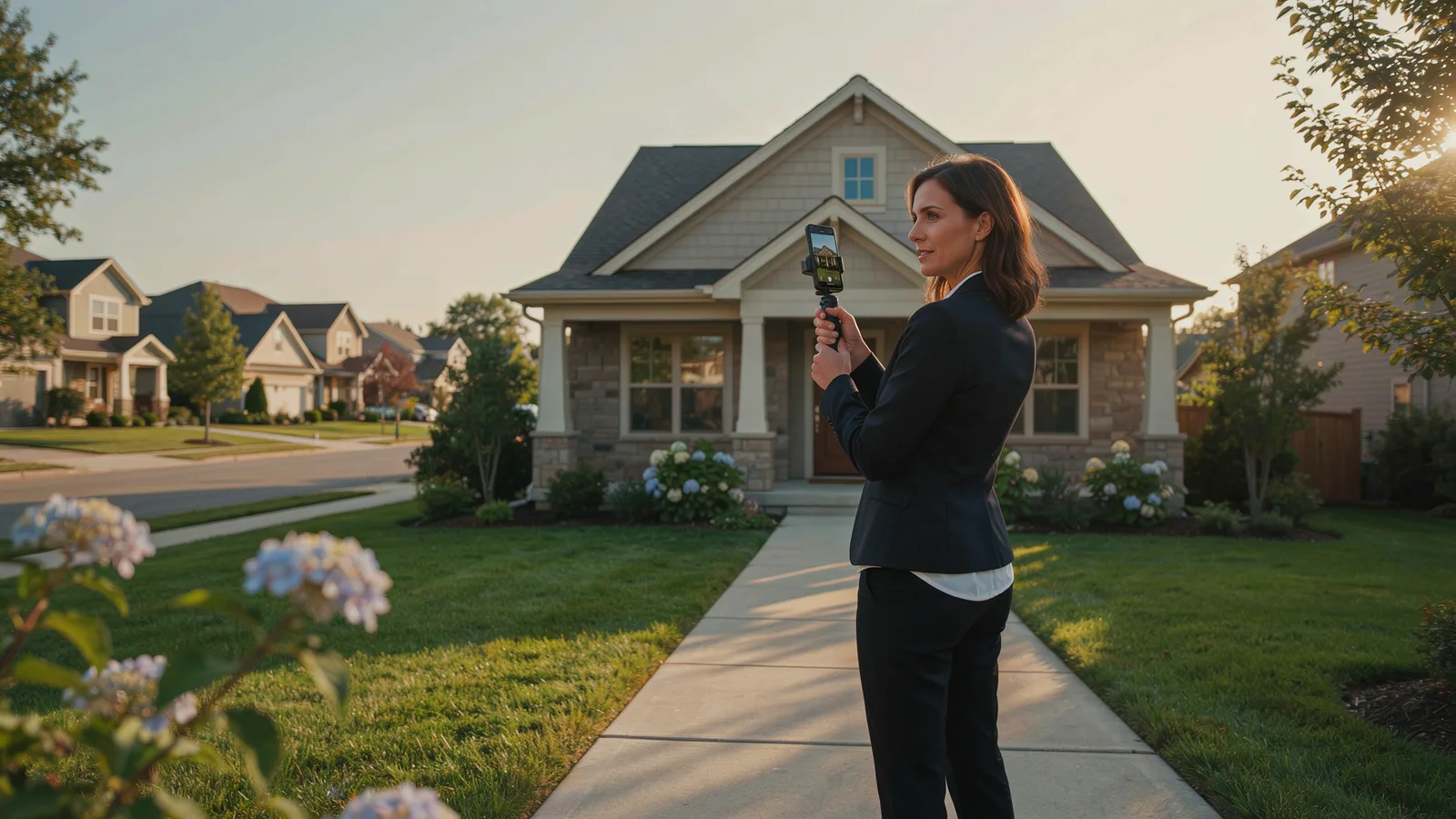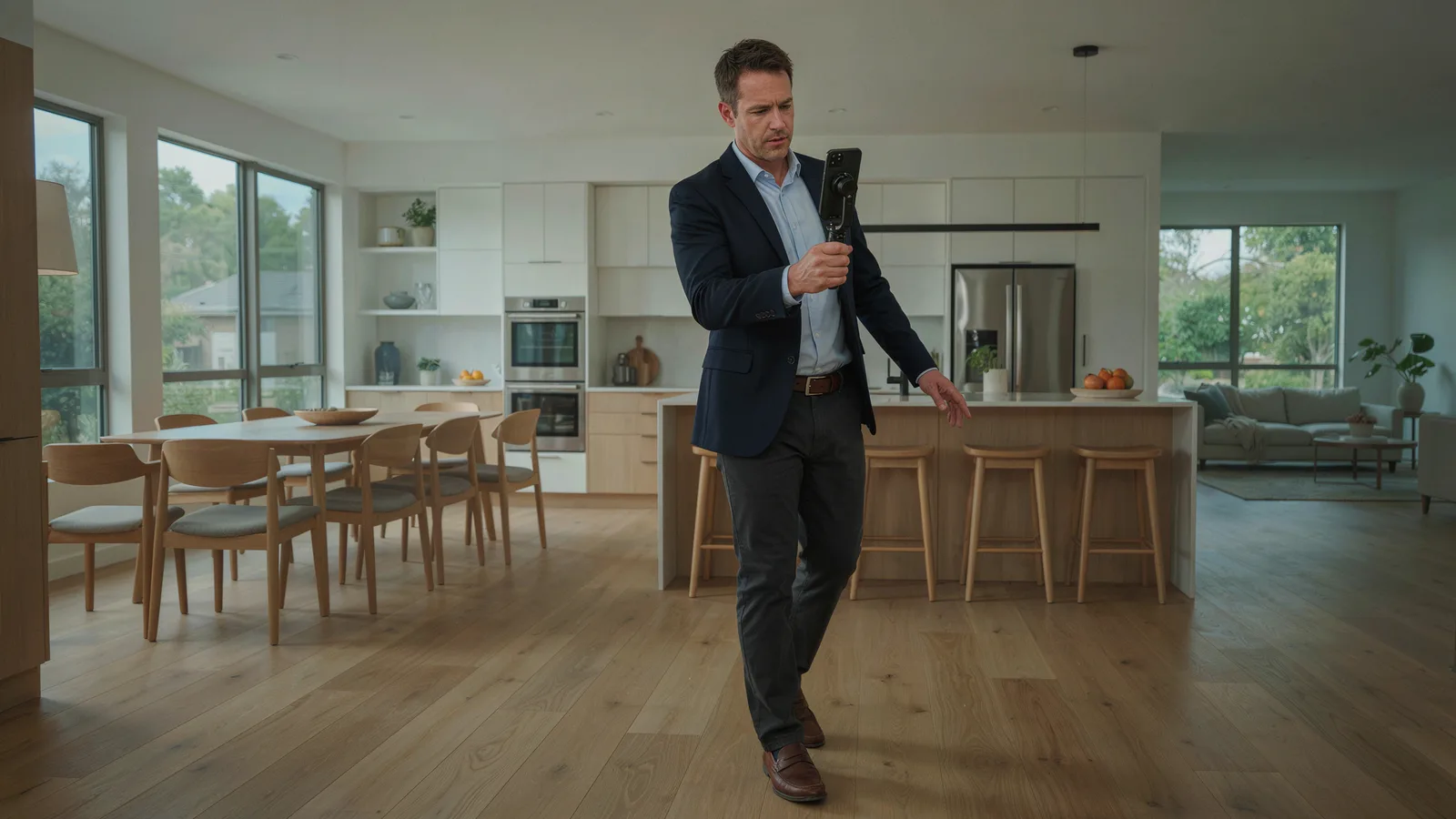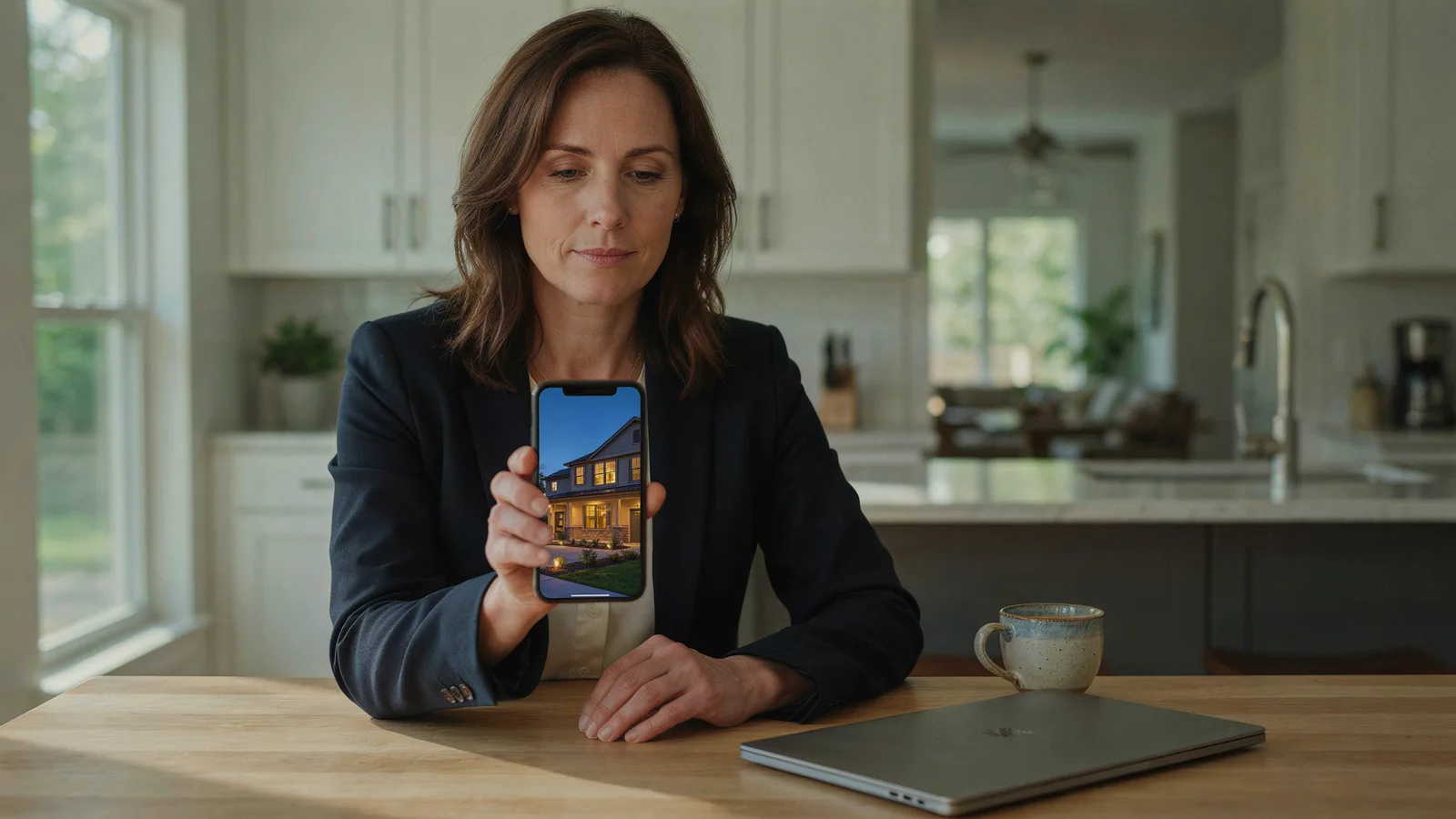
Real estate Facebook ads work best in 2026 as listing video ads with fast follow-up. Declare Meta's Housing special ad category, target a whole city or county (you can't pick ZIP codes, ages or genders), run a 15 to 30 second vertical video of the listing, and send interested people to an instant form or your listing page. Then call every lead the same day.
The rules are where most agents trip, so start there.
Do real estate Facebook ads have to use the Housing category?
Yes. Meta's advertising standards require any US advertiser, or any advertiser showing ads to people in the US, Canada or certain parts of Europe, to self-identify housing ads as a Special Ad Category and run them with approved targeting options (Meta Advertising Standards).
If an ad is about a home for sale or rent, it is a housing ad: just listed, coming soon, open house, price improved, just sold. For brand or seller ads, declare Housing when in doubt. Meta says ads may be rejected when the right category isn't chosen.
The current flow in Meta Ads Manager, per Meta's help article on choosing a special ad category:
- Create a new campaign (or open an existing one).
- Select Special Ad Categories.
- Under Categories, choose Housing.
- Under Countries, choose where the ads will run.
Advantage+ catalog ads get the same limits, and Meta asks advertisers to broaden their audience, not narrow it.
What targeting do you lose with the Housing category?
These are the limits in Meta's help article on audiences for housing campaigns, as of October 2026:
- Location: you can target a country, region, county, town or city, but not a ZIP or postal code, and you can't exclude locations. A city, address or pin drop is expanded to at least a 15-mile (25 km) radius in the US and Canada.
- Age: fixed at 18 to 65+.
- Gender: all genders. You can't change it.
- Detailed targeting: some demographic, behavior and interest options are unavailable, and you can't exclude any detailed targeting selection.
- Lookalikes: Advantage+ lookalike audiences are unavailable. Saved audiences are limited too.
- Custom audiences: still usable, some only in Ads Manager. If you upload a customer list for a housing campaign, Meta now asks you to certify it, and some lists are ineligible (Meta Marketing API v22.0 changelog).
The practical effect: your creative does the targeting. A video that opens on "3 bd · 2 ba · $525,000" filters viewers better than any interest list.
Why the rules exist: the Fair Housing Act, HUD and the Meta settlement
The Fair Housing Act makes it illegal to publish any notice, statement or advertisement for the sale or rental of a dwelling that indicates a preference, limitation or discrimination based on race, color, religion, sex, disability, familial status or national origin (42 U.S.C. § 3604(c)). HUD's rule goes further and includes choosing media or locations for ads that deny particular groups information about housing (24 CFR § 100.75). That is why targeting, not just wording, is regulated.
How that reached Facebook:
- March 28, 2019: HUD charged Facebook with housing discrimination over its ad targeting tools (HUD).
- June 21, 2022: the Justice Department announced a settlement. Meta agreed to stop using its "Special Ad Audience" tool (formerly Lookalike Audience) for housing by December 31, 2022, to build a new delivery system, to offer no targeting options that describe or relate to protected characteristics, and to pay a $115,054 civil penalty (DOJ).
- January 2023: Meta launched the Variance Reduction System (VRS) for US housing ads. It compares the demographic mix of who saw an ad with the eligible audience and adjusts delivery to close the gap (Meta). The settlement put Meta under court oversight through June 27, 2026 (NAR).
- 2025 to 2026: HUD withdrew its April 2024 guidance on housing ads on digital platforms, effective September 17, 2025, in a notice published April 6, 2026 (Federal Register). The Act itself did not change, and the notice says conduct that violates it remains subject to enforcement.
As of October 2026, the Housing category and its limits are still in Ads Manager. Plan around them.
Which campaign types work best for Facebook ads for realtors?
Meta has six objectives: Awareness, Traffic, Engagement, Leads, App promotion and Sales (Meta). Three do the work for listing ads:
- Engagement, optimized for ThruPlay. Gets a listing video watched by local people and builds a retargeting pool. Meta counts a ThruPlay when a video plays for at least 15 seconds, or to 97% of a shorter video (Meta).
- Traffic to the listing page. Good when your site has the full gallery and a contact form.
- Leads with an instant form. A short form opens inside Facebook or Instagram. Of Meta's three form types, Higher intent adds a note that you may follow up and a review screen before submitting, and it only shows on mobile Facebook and Instagram feeds (Meta). Every real estate lead needs a call, so we'd choose it.
How those fit together for facebook ads for real estate agents:
| Campaign | Goal | Objective | Audience | Creative | Budget example |
|---|---|---|---|---|---|
| Just listed | Get the home seen in week one | Engagement, ThruPlay | City or county around the listing | 20 to 30 s vertical listing video, price in the first scene | $10/day for 7 days ($70) |
| Open house | More people through the door | Engagement, ThruPlay | Same city, start 4 to 5 days out | 15 to 20 s video with an "Open House" title card and time | $15/day for 4 days ($60) |
| Buyer leads | Capture people asking about the home | Leads, Higher intent form | City or county, or people who watched the video | Same video, CTA to get the full listing details | $15/day for 14 days ($210) |
| Seller leads | Home valuation requests | Leads, Higher intent form | City or county | Just sold video plus a valuation offer | $20/day for 14 days ($280) |
| Retargeting | Turn viewers into conversations | Leads or Traffic | Video engagement custom audience | A new angle: second video, open house invite, price change | $5 to $10/day, ongoing |
The budgets are examples, not benchmarks. Costs swing by market, season and creative.
How do you make real estate video ads people watch?
Start with Meta's own specs. For Reels placements, Meta recommends 9:16 at 1440 x 2560 and suggests keeping roughly the top 14%, the bottom 35% and 6% on each side free of text and logos so the interface doesn't cover them (Meta Ads Guide, Reels). For Feed, Meta recommends 4:5, primary text of 50 to 150 characters and a 27-character headline (Meta Ads Guide, Feed).
Vertical matters more than it used to. In June 2025 Facebook renamed its Videos tab to Reels and now shares every video as a reel. Meta advises vertical video and no borders or other apps' watermarks (Meta).

What works in real estate video ads, in our experience:
- Length: 15 to 30 seconds. At about 3 seconds per photo, that is 6 to 10 photos.
- Open on the best shot. Twilight exterior, the kitchen or the view.
- Put the facts on screen early. Price, beds, baths and the area in the first scene. Meta lists captions as optional but recommended, so write for sound off: on-screen text should carry the message.
- Walk the house in order. Exterior, entry, living room, kitchen, primary bedroom, bath, backyard.
- End on one clear action. "Tap Learn More for every photo" or "Book a showing this week," plus your name and brokerage.
- Show the real home. Label any virtually staged photo. Our virtual staging guide covers disclosure rules.
If you don't have a listing video, VidListings makes one from the listing photos. Paste the Zillow, Realtor.com or Redfin link, pick and order the photos, and each becomes a roughly 3-second clip with a camera move, plus a price card, your agent card, music and a "Just Listed" or "Open House" title card. Export 9:16 for Reels and Stories and 1:1 for Feed. It moves your real photos and doesn't add rooms or furniture. It doesn't add captions, so caption any voiceover elsewhere. More in AI real estate video without fake rooms and our listing video playbook for Reels, TikTok and YouTube.
Real estate Facebook ad examples you can adapt
One rule for all ad copy: describe the home, not the buyer. Fill the brackets with facts you can back up.
Just listed
Just listed in [neighborhood]: 3 bed, 2 bath, 1,850 sq ft with a new kitchen and a fenced backyard. $525,000. Watch the 25-second tour, then tap Learn More for every photo and the floor plan.
Headline: "Just Listed: 3 bd, $525K"
Open house
Open house Saturday, 1 to 4 PM. 4 bed, 3 bath on a cul-de-sac in [area], listed at $689,000. See it in 20 seconds here, then walk through in person. Tap Learn More for the address and parking.
Headline: "Open House Sat 1-4 PM"
Seller leads (home valuation)
Homes in [area] are selling in about [X] days right now ([MLS], [month]). Wondering what yours would sell for? Get a free, no-pressure price estimate from a local agent who knows these streets. It takes 30 seconds.
Headline: "What's your home worth?"
Only claim results you can document, and name your source if you use a number. For more real estate Facebook ad examples, search the Meta Ad Library for "just listed" plus your city. It shows ads currently running across Meta's apps.
How do you retarget video viewers and follow up fast?
A listing video ad builds an audience you can use the following week. Open Audiences, then Create audience, Custom audience, Video. Choose an engagement level (for example, people who watched at least 10 seconds), select the videos and set a retention window in days (Meta). Not every custom audience is eligible for housing campaigns, so confirm yours is accepted before you plan around it.
A simple two-week sequence:
- Week 1: Engagement campaign, ThruPlay goal, the listing video to the city or county.
- Week 2: Leads campaign with a Higher intent form, shown to people who watched. Use a new angle: the backyard, an open house invite or the floor plan.
Then the part that decides whether any of this pays off: follow-up. Meta advises sending leads straight into a CRM or Leads Center instead of downloading them by hand, and running lead ads during hours when you can respond quickly (Meta).

Our follow-up routine:
- Call within the hour during business hours. No answer? Text: "Hi [name], it's [agent] with [brokerage]. You asked about [address]. Want the full photo set or a time to see it?"
- Email the listing link and the video the same day.
- Try again on day 2 and day 5, then add them to your new-listings email.
For software that drafts and tracks follow-up, see our guide to AI tools for real estate agents.
What should you measure?
Check these weekly, not hourly:
- Cost per ThruPlay for video campaigns. If it climbs, the audience has likely seen it; swap the video.
- ThruPlays compared with 3-second plays. If people start but don't stay, change the first scene.
- Cost per lead (CPL) for lead campaigns.
- Contact rate: the share of leads you reached within 24 hours. A cheap lead you never reach is worth nothing.
- Lead quality: how many leads became showings, appointments or listing consultations. This tells you whether to spend again.
Log the numbers per listing. After three or four listings, you'll have your own benchmarks.
Compliance do's and don'ts for real estate Facebook ads
| Do | Don't |
|---|---|
| Declare Housing for every listing, open house and seller ad | Run listing ads as regular campaigns to keep ZIP or age targeting |
| Target the whole city or county around the home | Try to rebuild a ZIP code with tiny pin drops |
| Describe the property: beds, baths, features, price | Describe the ideal buyer ("perfect for young families," "ideal for singles") |
| Use real photos of the home and label any virtually staged ones | Use images that suggest only certain people belong there |
| Certify customer lists and use audiences you have the right to use | Upload lists built around protected traits |
| Show your name and brokerage as your state and MLS require | Promise neighborhood traits like "safe" or "exclusive" |
| Offer the same price and terms to everyone who sees the ad | Run different offers to different groups |
The short version
- Declare Housing in Special Ad Categories for every real estate campaign.
- Target a city or county. ZIP codes, age, gender and lookalikes are off the table.
- Run a 15 to 30 second vertical listing video with price, beds and baths in the first scene and one clear call to action.
- Use Engagement (ThruPlay) to get it seen, then a Higher intent lead form for people who watched.
- Call every lead the same day. Judge the campaign on appointments, not clicks.
If the video is what's holding you back, VidListings turns the listing photos into a vertical and square video in a few minutes. It's free to start.